Catch the errors that break your WooCommerce checkout
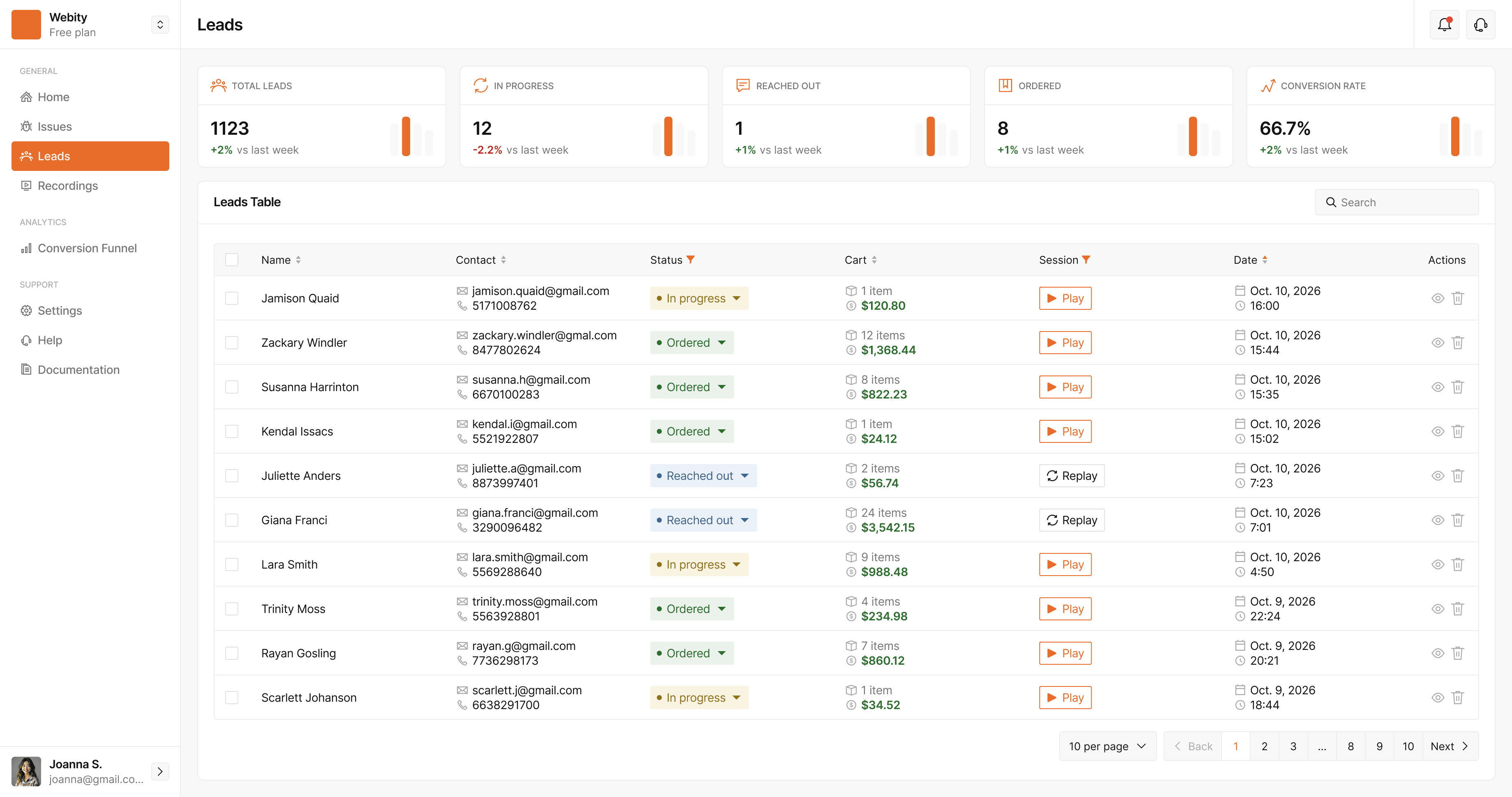
StorePilot records every JavaScript and PHP error on your store, groups repeats into one issue and links each one to the shopper's session — so you see the fault, the page and the lost order together.
A broken checkout doesn't send you an email
Most store errors never reach a log anyone reads. Shoppers just leave.
It fails silently
A plugin update or a theme conflict throws a JavaScript error, the Place order button stops responding, and nobody on your team notices.
Only some shoppers see it
Many faults hit one browser, one device or one payment method. Testing on your own laptop never reproduces them.
You find out from revenue
By the time orders dip enough to notice, the bug has been costing you sales for days.
Every error, with the context to fix it
JavaScript and PHP errors
Uncaught exceptions and unhandled promise rejections in the browser, plus PHP fatals, warnings and notices from WordPress — captured by the plugin.
One issue per fault
Repeats are grouped into a single issue with a count, even when Chrome, Safari and Firefox word the same bug differently or the URL changes.
Replay the session
When the error happened during a recorded visit, open the recording and watch exactly what the shopper did.
Steps before the error
See the pages, clicks and failed requests that led into the fault — structural steps only, never page text or form values.
Regressions reopen
An issue you marked resolved comes back as new, with a fresh notification, the moment the same error fires again.
Only the plugins you care about
Choose which plugins' warnings and notices you watch. Fatal errors and uncaught exceptions are always reported.
Questions, answered
What kinds of errors does StorePilot catch on a WooCommerce store?
JavaScript errors (uncaught exceptions and unhandled promise rejections), PHP fatals, warnings, notices and uncaught exceptions, and failed loads of your own scripts and stylesheets. Missing images and failures of third-party scripts are measured separately rather than raised as issues, so they don't bury real bugs.
Will I get thousands of duplicate errors?
No. Each error is fingerprinted by its type and normalised message, so the same fault on /product/917 and /product/918 — or the same bug worded differently by each browser — stays one issue with an occurrence count.
What does “Script error.” mean?
Browsers hide the details of errors thrown by scripts from another domain unless the script tag carries crossorigin="anonymous". StorePilot lists the scripts on the page that were missing it, so you know which tag to fix to get the real message and stack.
Do I need to change my theme or code?
No. Install the StorePilot WordPress plugin and errors start arriving. For PHP you can pick which plugins' warnings you want to watch; fatal errors are always reported.
Can I see which shoppers were affected?
Yes. Each issue shows when and on which pages it happened, the browser and device of affected visits, and a link to the session recording when the visit was recorded.
Does it work outside WordPress?
Yes. On Shopify, Magento, Next.js or any other site, the script snippet captures JavaScript errors, and the Node SDK reports errors from your own backend. PHP errors need the WordPress plugin.
See what your store is losing — free
StorePilot is free during early access. Install the WordPress plugin and your first data arrives in under a minute.